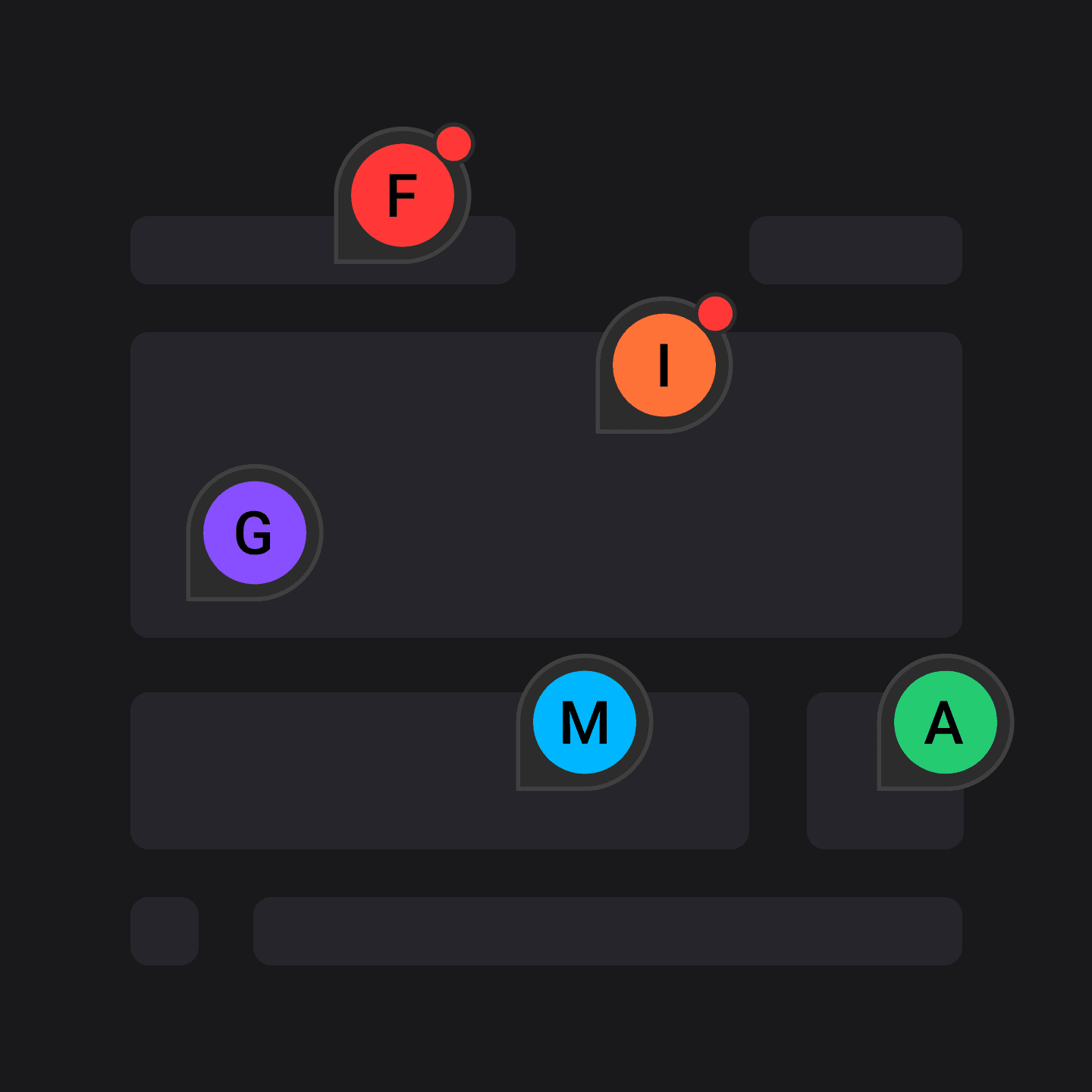
Figma is one of the most powerful tools for design collaboration, with features like voice chat, cursor presence, annotations, and commenting. Personally, I rely heavily on versioning, branching, and comments to organize feedback and keep projects moving forward. I try to centralize as much context as possible inside Figma so the team doesn’t need to depend solely on design reviews or separate syncs to stay aligned.
For example…
In my previous company, each design team had about 8 designers, divided into smaller squads focusing on specific domains. Within this setup, cross-project context became a constant challenge.
If a designer missed a design review, another designer would step in to support. But once the original designer returned, both still needed to sync afterward to realign.
In another case, if I wanted to understand a project handled by another designer, I would either spend time reading through their comment pins or schedule a sync with them. For a global team, finding time to sync wasn’t always easy or efficient.
The pain points
Design reviews brought together PMs, engineers, and sometimes stakeholders. These sessions were valuable, but capturing and redistributing the context was messy:
1. Comment pins all looked the same, with no way to label or prioritize them. Over time, they piled up into a wall of unresolved notes that had to be read one by one.
2. Design reviews were scattered across Zoom, Figma, AI transcript tools, and Slack, leaving context fragmented and forcing designers to piece everything together before making updates.
What’s missing
No tagging system for comments. Designers can’t categorize or prioritize feedback.
No link between comments and conversations. Pins exist because of meeting discussions, but that context isn’t visible in Figma.
The design opportunity
Designers could mark comments with customized tag name like critical, suggestion, decision, etc., with color-coded tags for quick scanning.
By integrating meeting recording and transcripts directly into Figma, comments could be linked to the exact discussion that generated them.
What I imagined
Designers can create custom tags with any name they like and assign colors to them. Tags can be applied when creating comments.
Optional “private mode” hides tag names during screen sharing.
Users can filter by tags (not just yours or unresolved) to focus on what matters first.
When Figma’s voice chat is used, recordings can be enabled and transcripts saved, then linked directly to related comment pins.
Recorded meeting items with timestamps appear in the comment panel. Opening them triggers AI summaries that blend meeting conversations with related pins, making decisions and feedback traceable in one place.