Figma
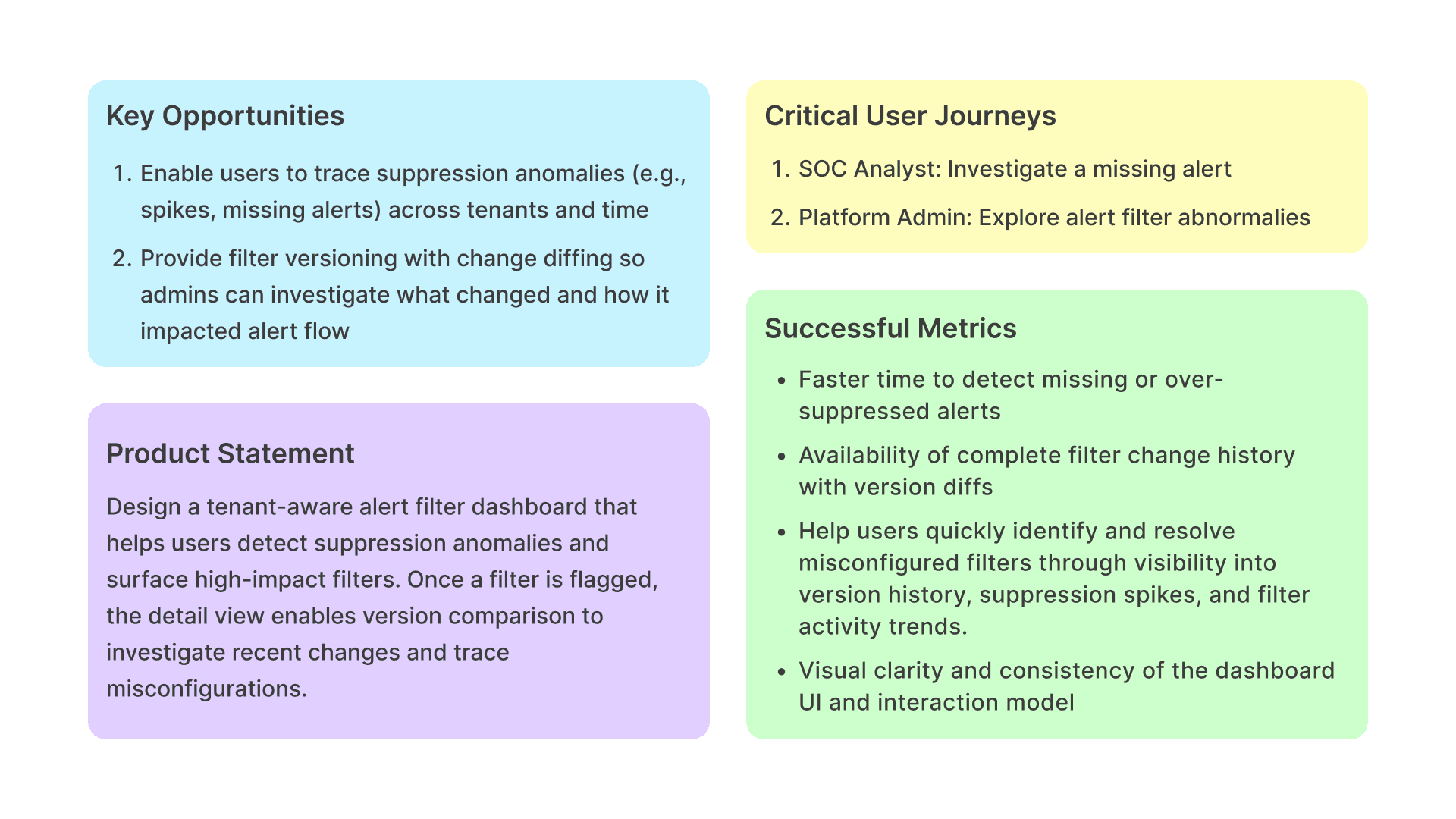
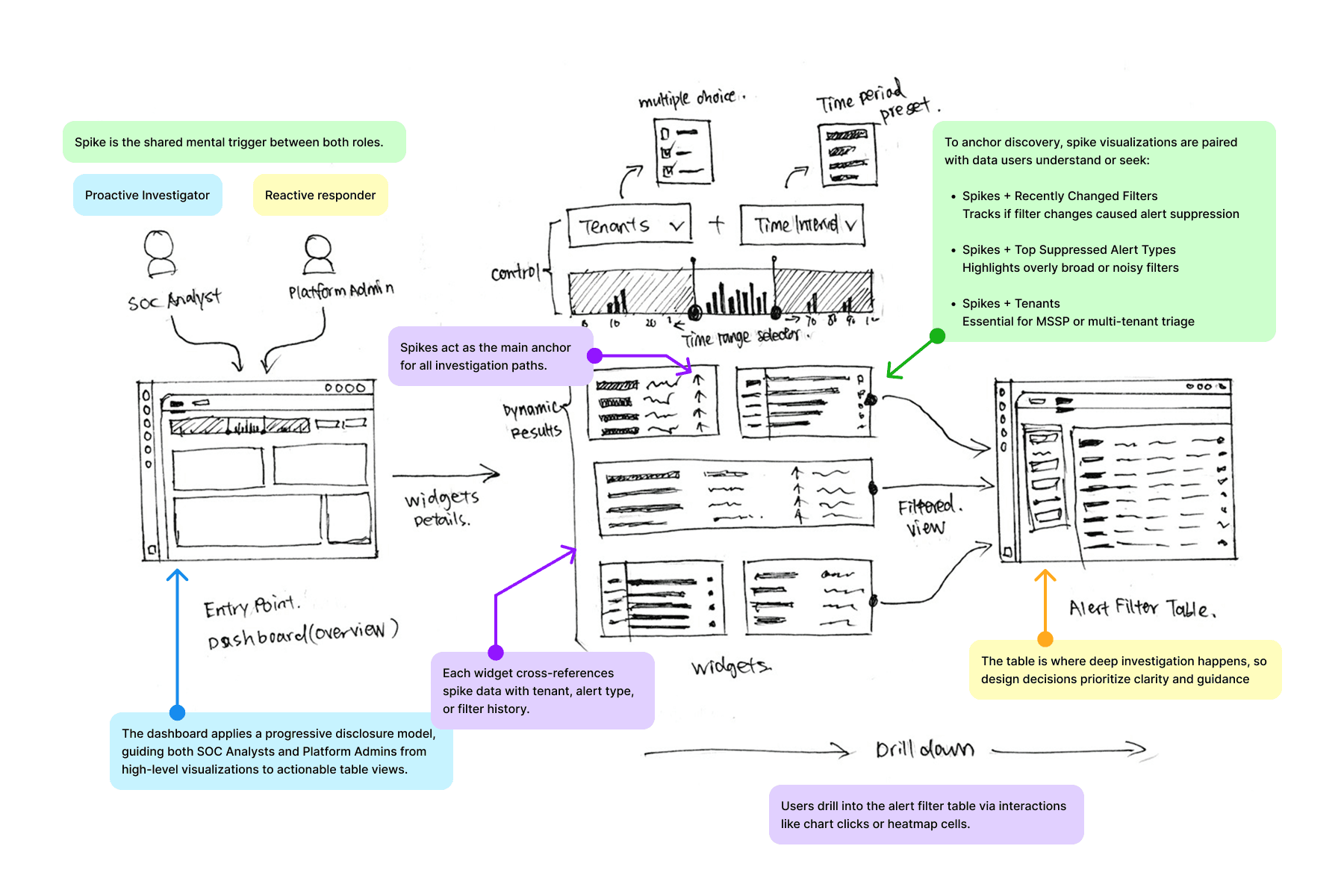
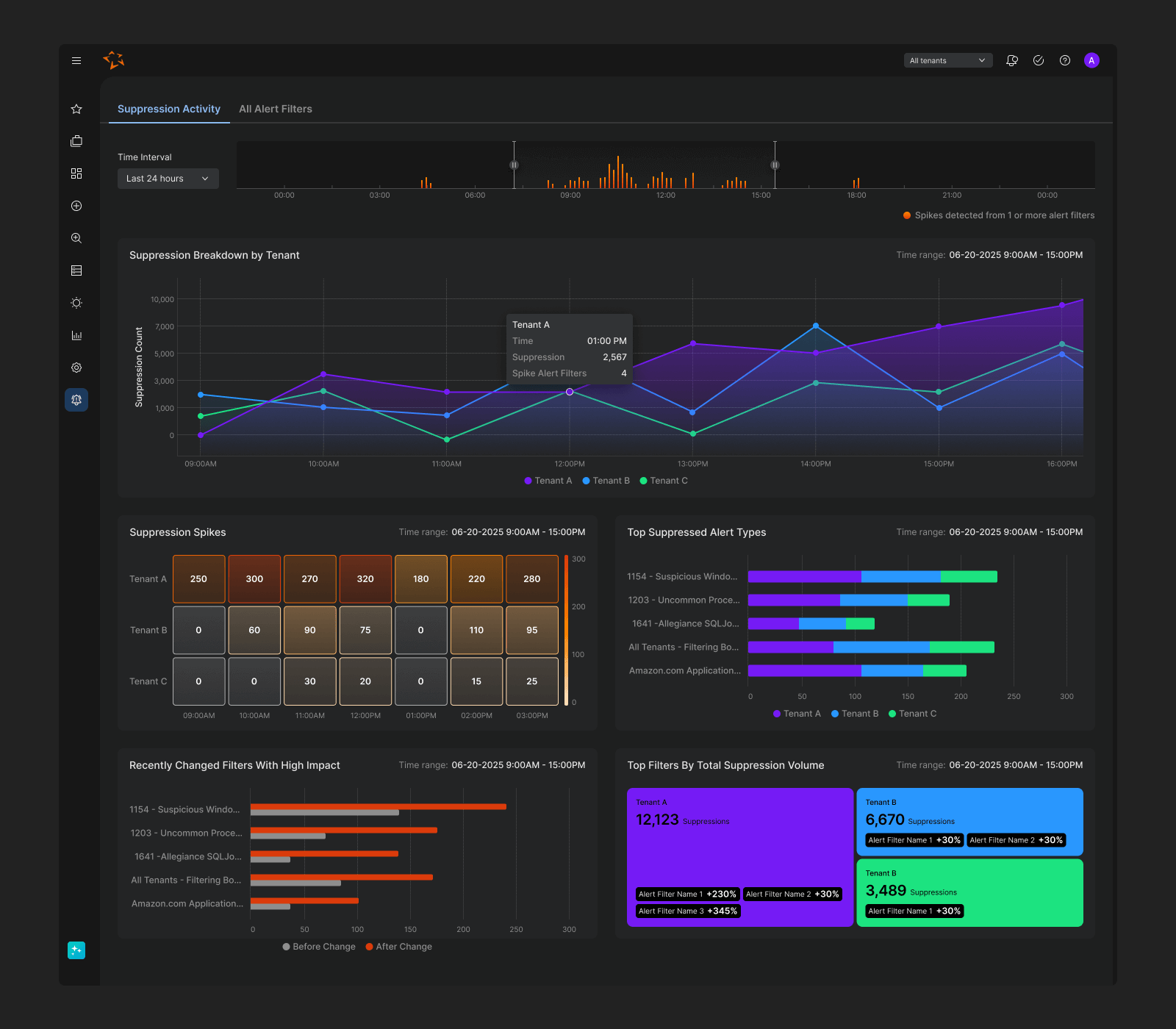
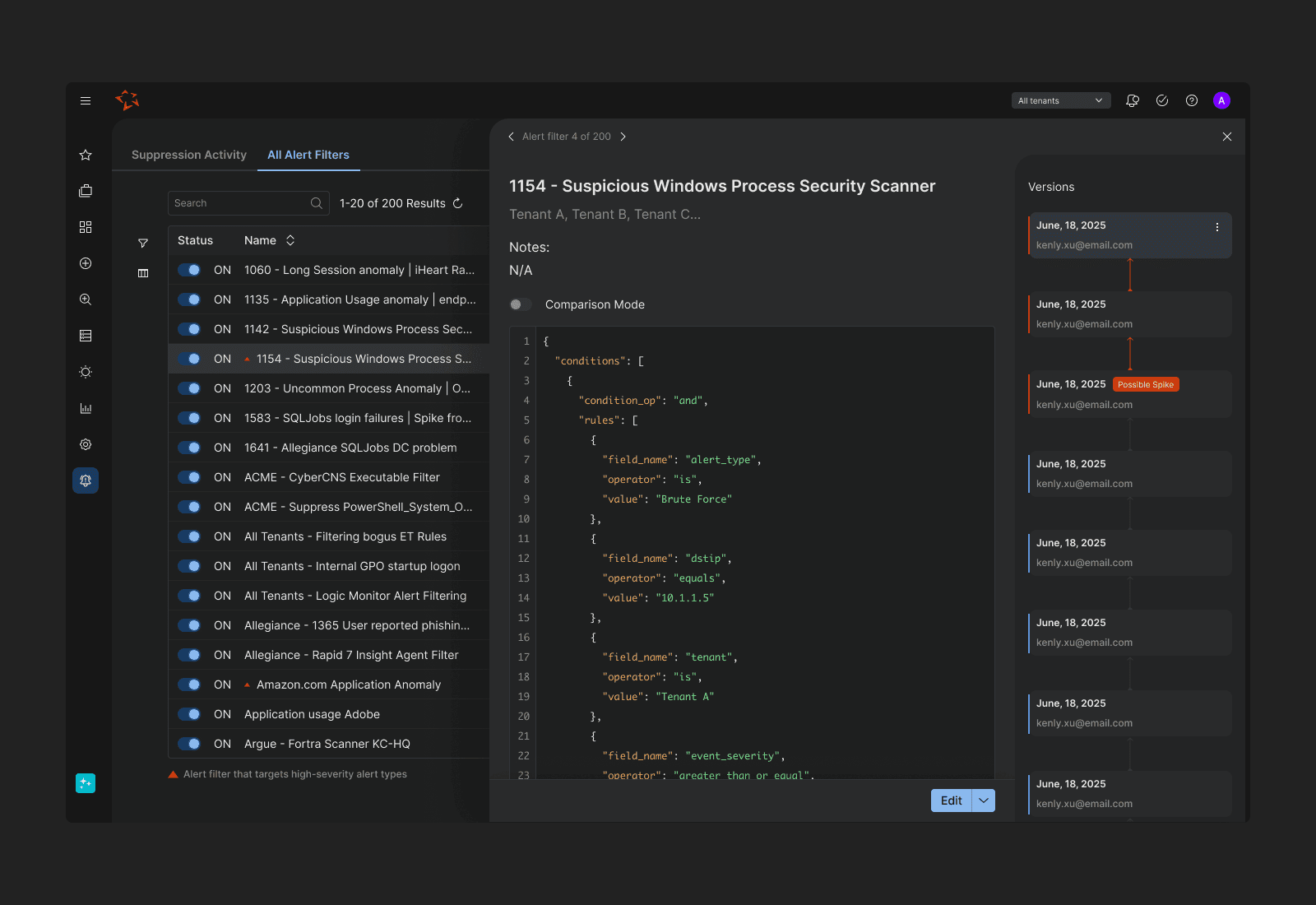
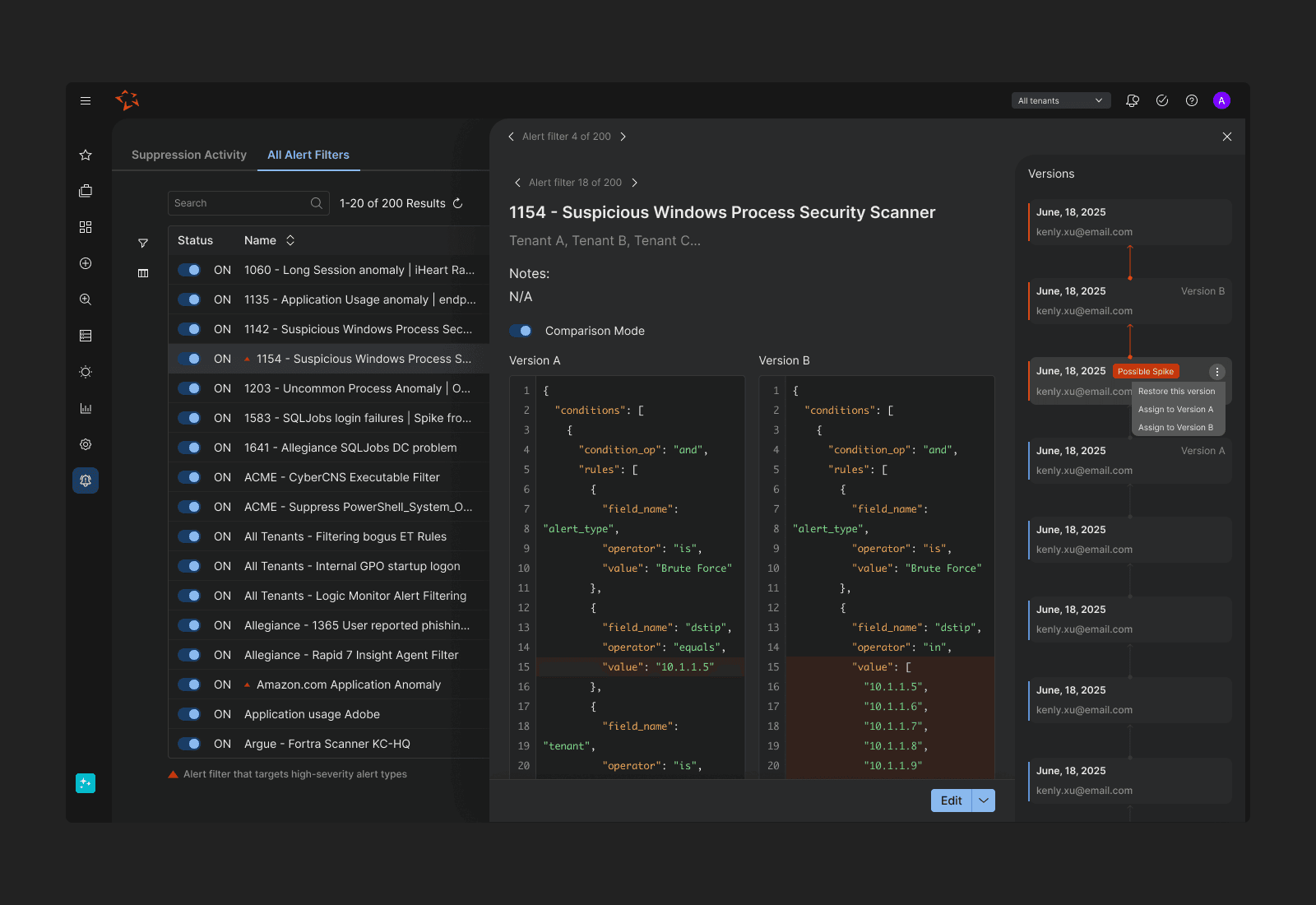
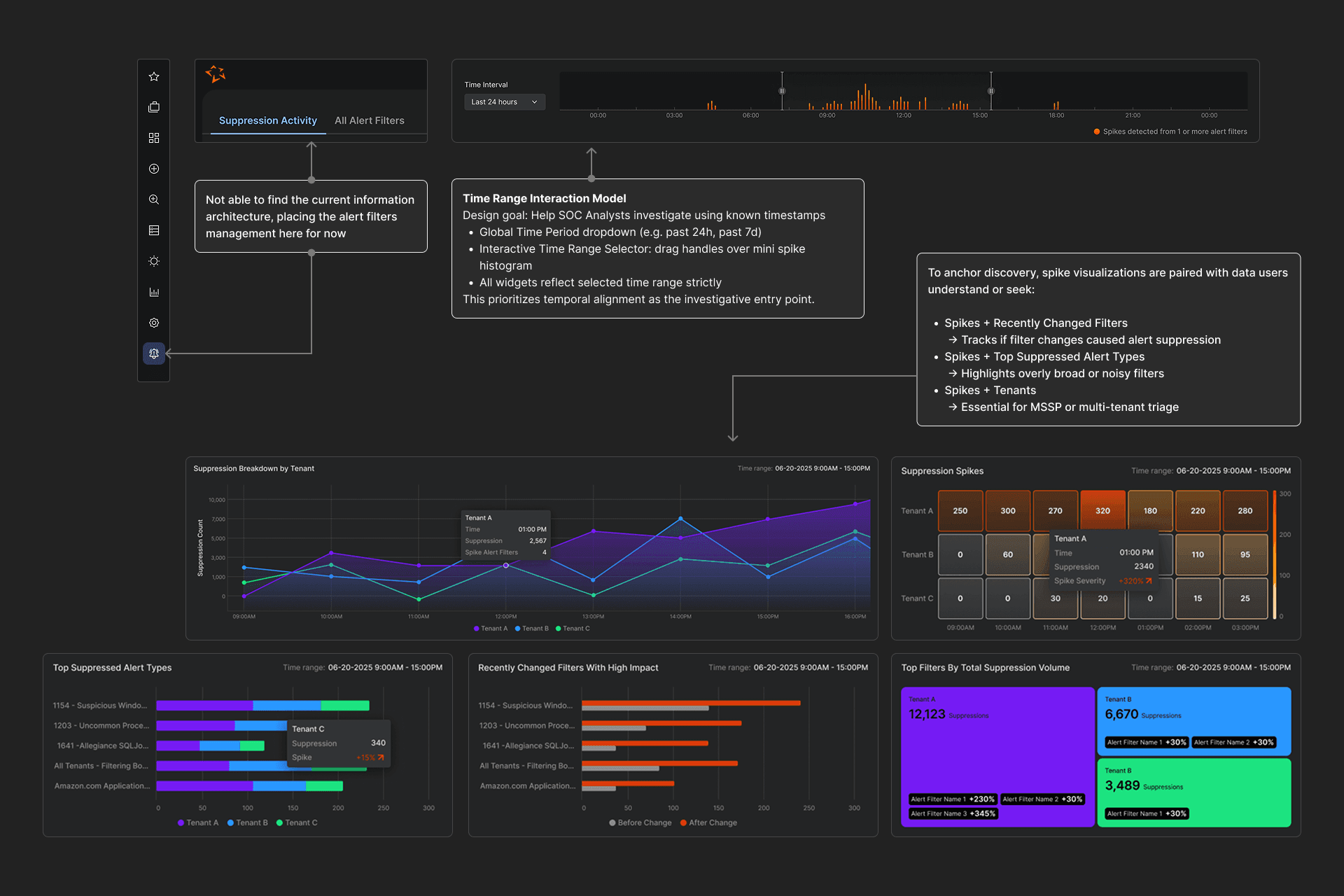
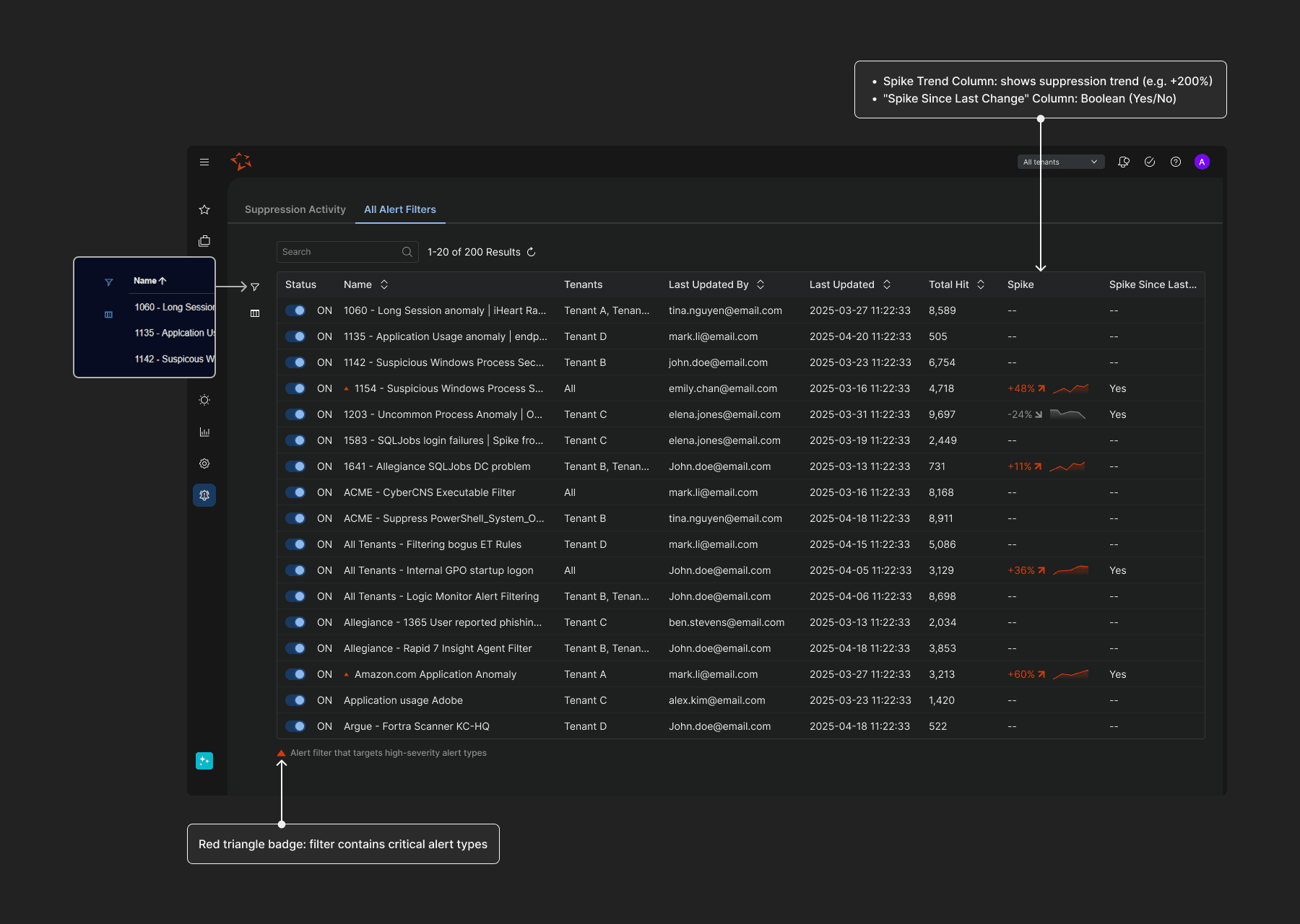
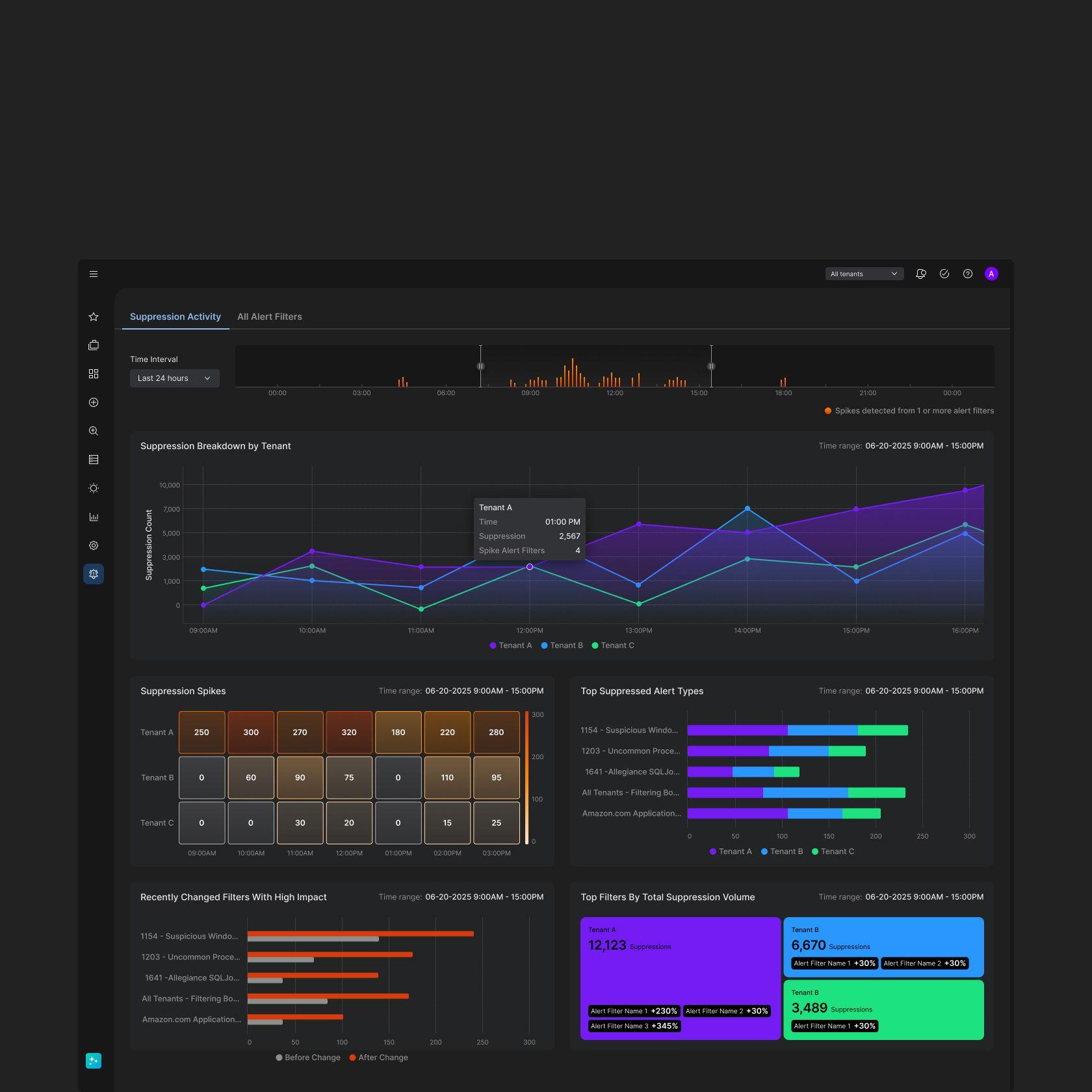
Security analysts often rely on alert filters to reduce noise, but the current interface lacks visibility into how well those filters are working or how they’ve changed over time. This design challenge focused on creating a dashboard that surfaces suppression trends and filter change history—giving analysts the context they need to evaluate effectiveness and maintain control over their alerting system.
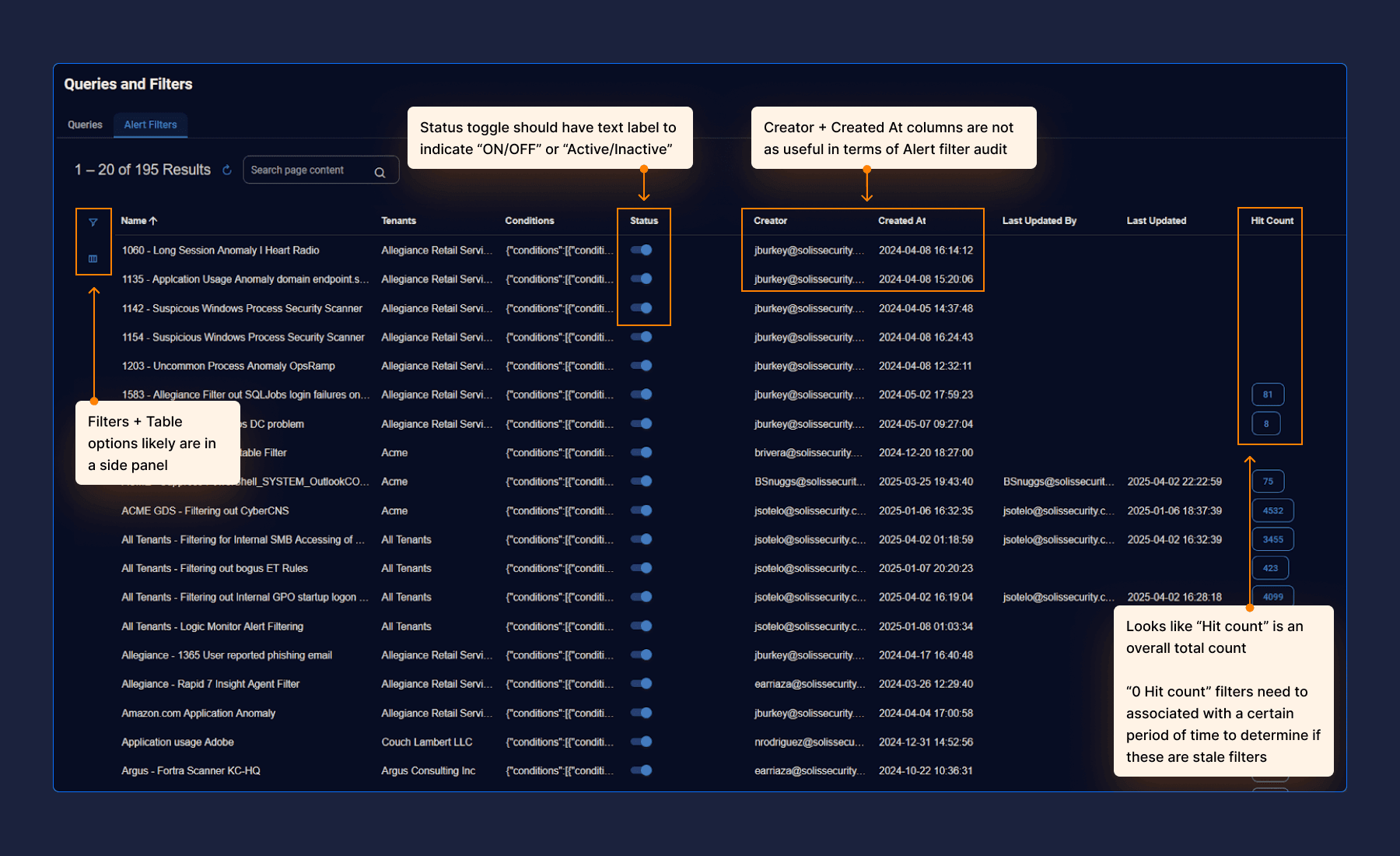
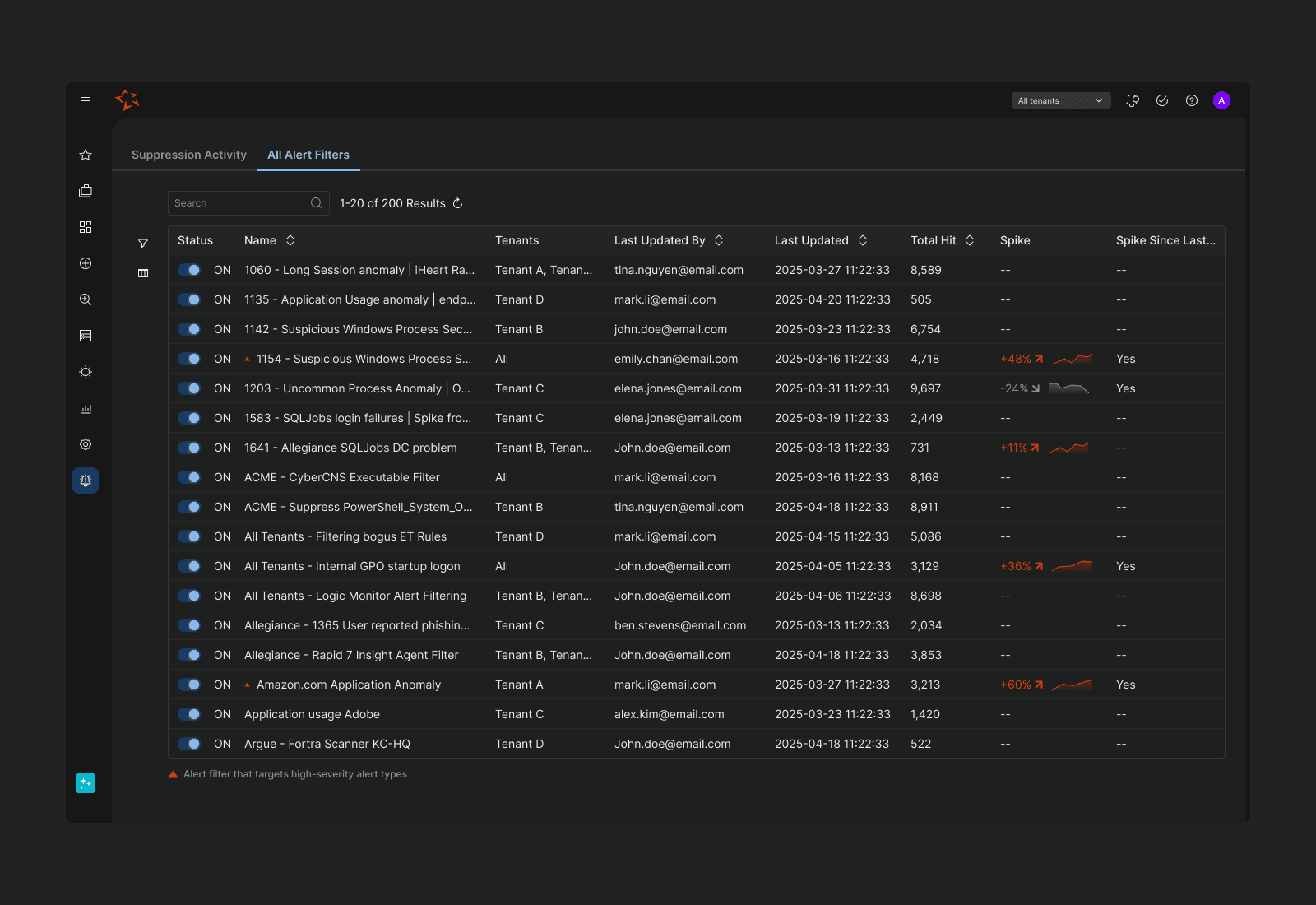
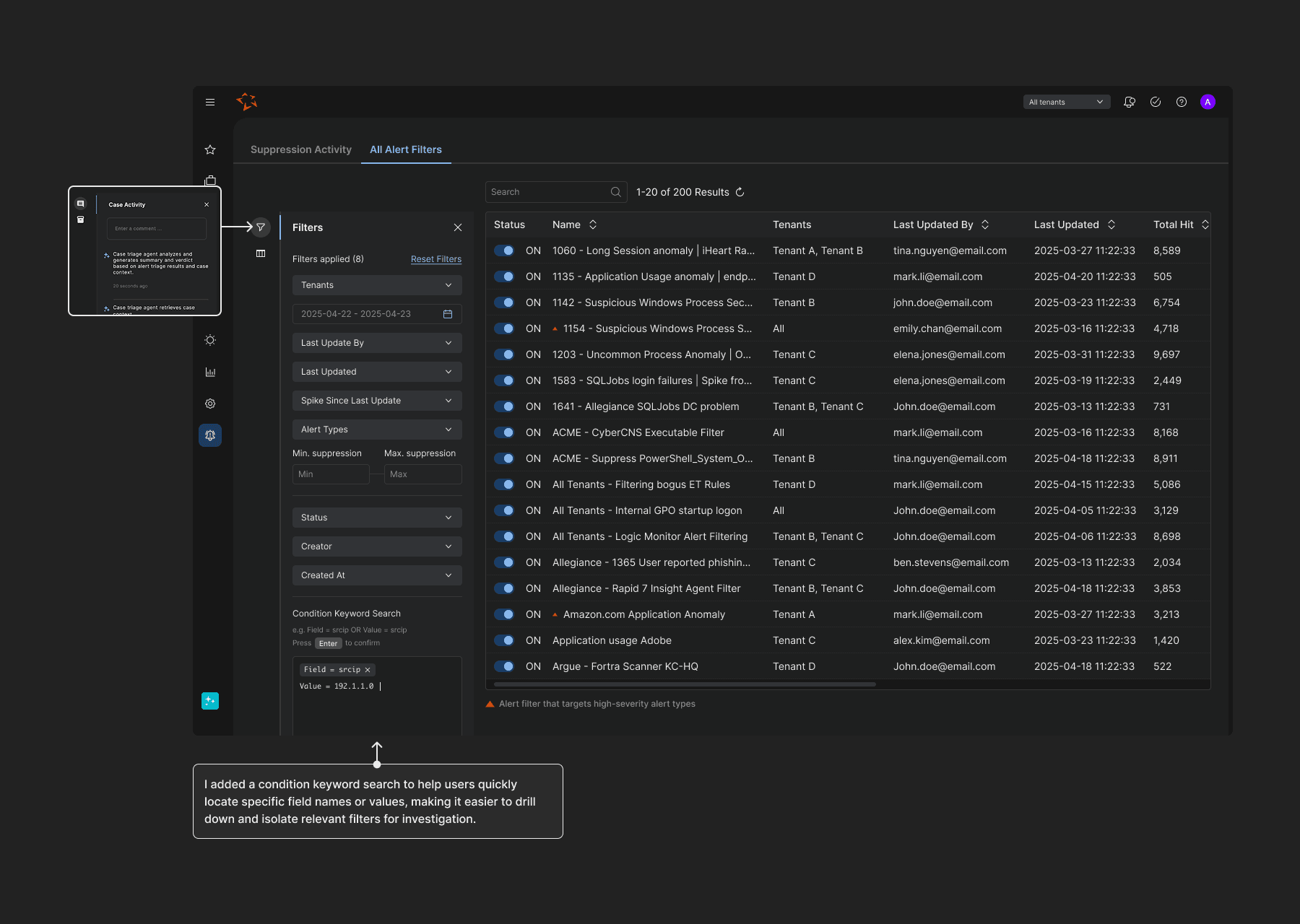
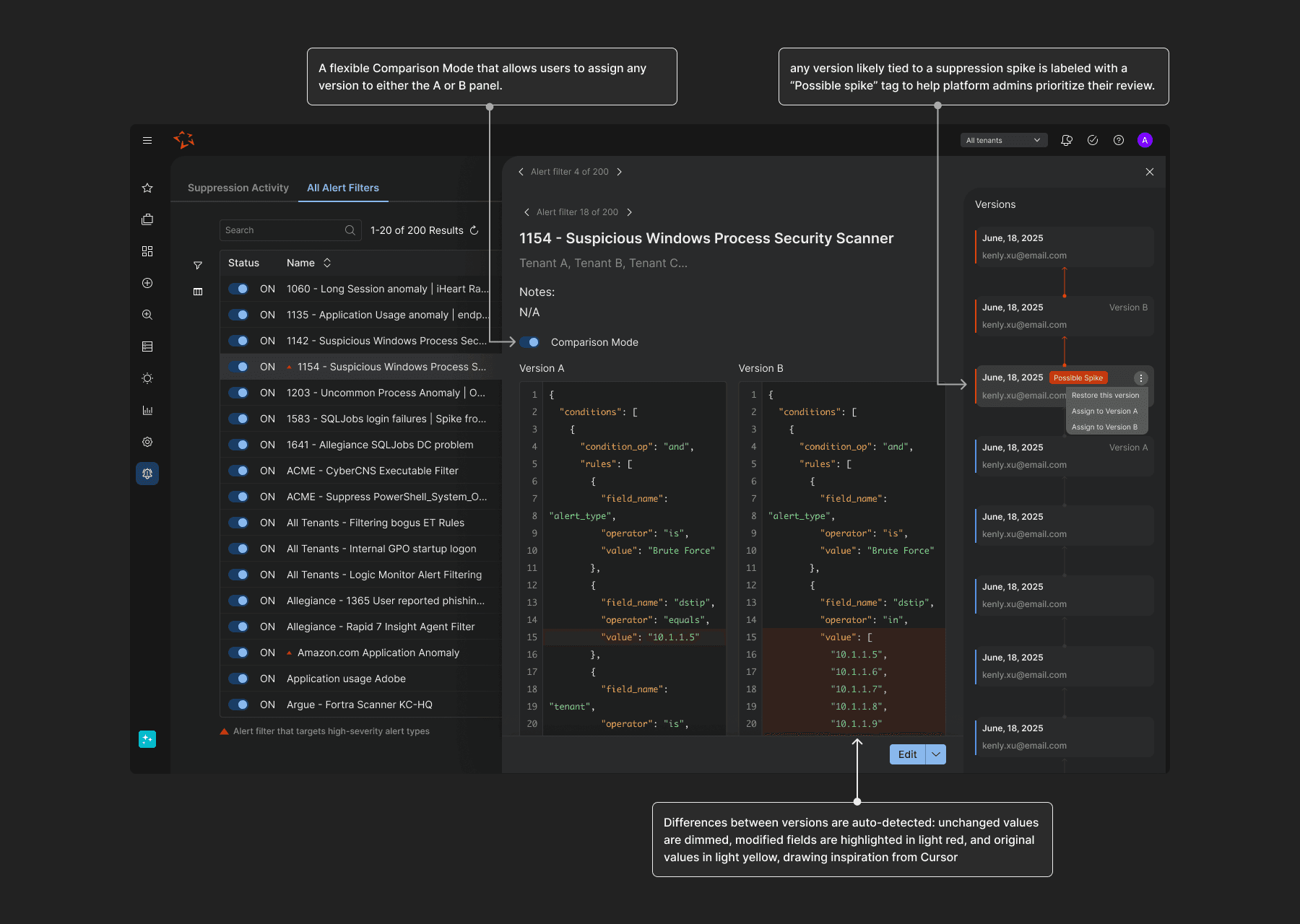
Security analysts lack visibility into how alert filters are performing over time and how those filters have changed. Currently, the UI only shows static filter configurations, with no history or analytics.
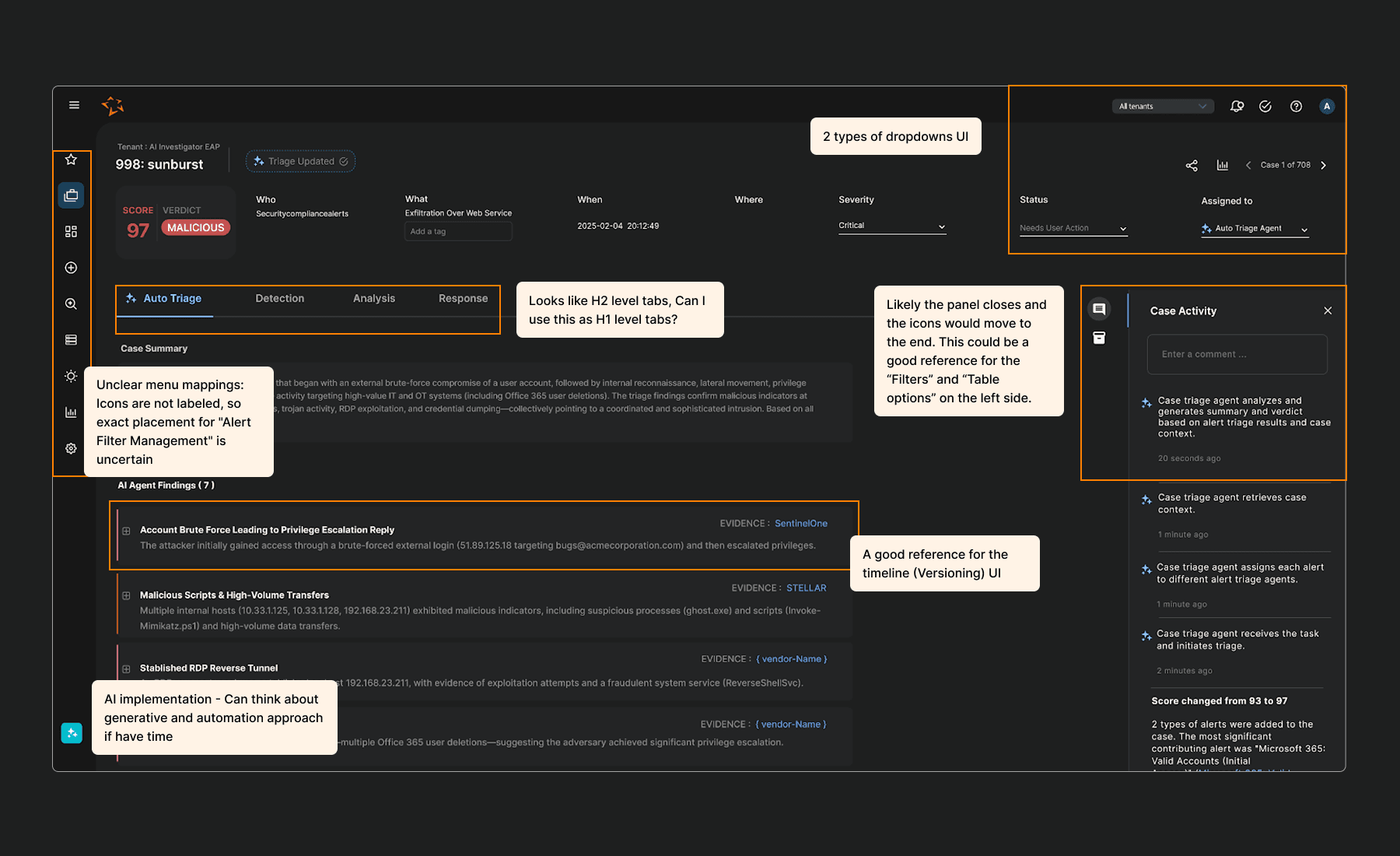
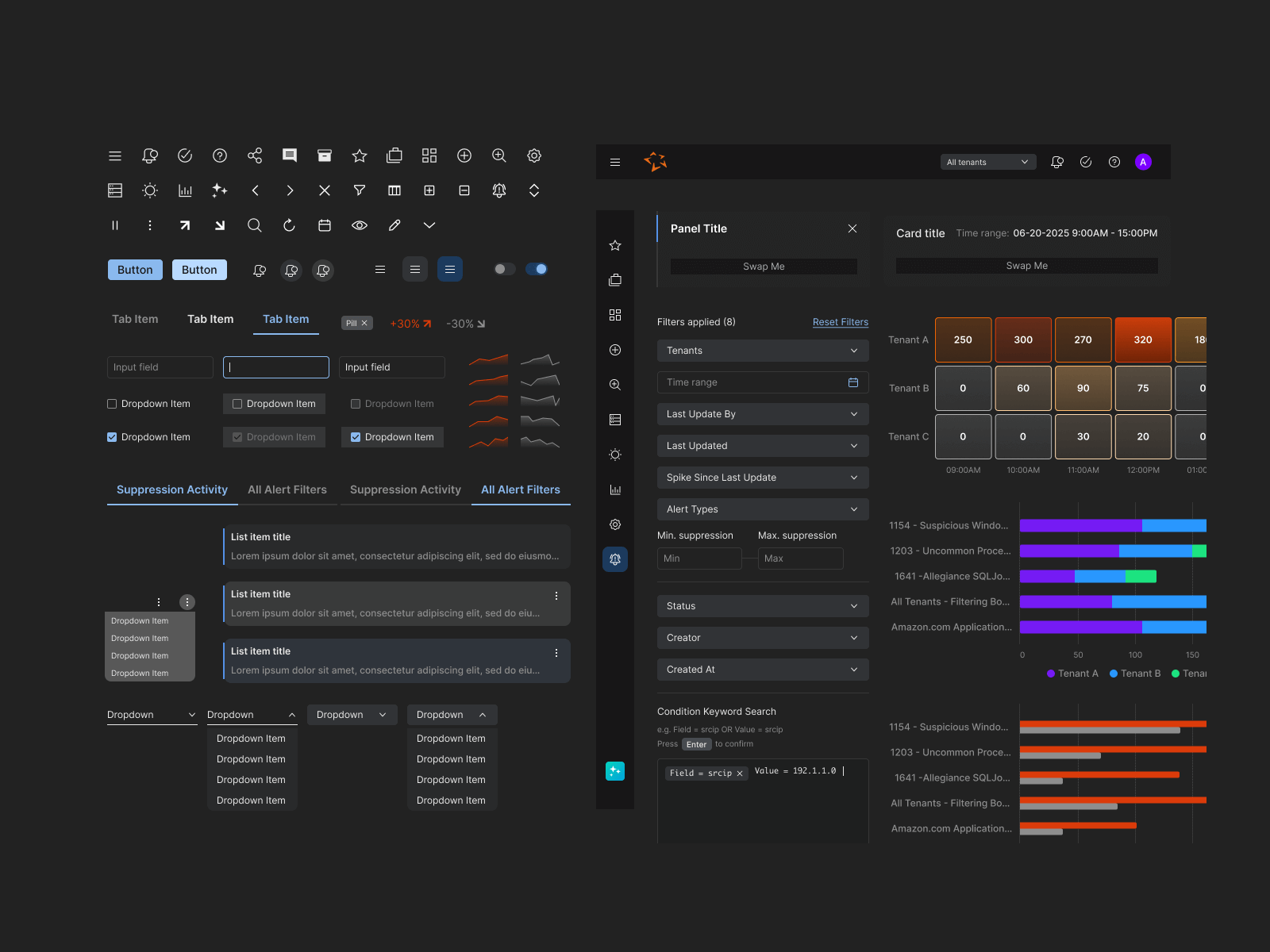
Stakeholder requested this redesign to use the new design system.
Alert filters are rules that suppress certain alerts from appearing in the analyst-facing UI. They’re designed to:
Most of my initial research involved using AI tools like ChatGPT to surface relevant content, which I then validated by reviewing source articles and product walkthrough videos. This helped me understand how alert filters are typically used and identify common pain points.
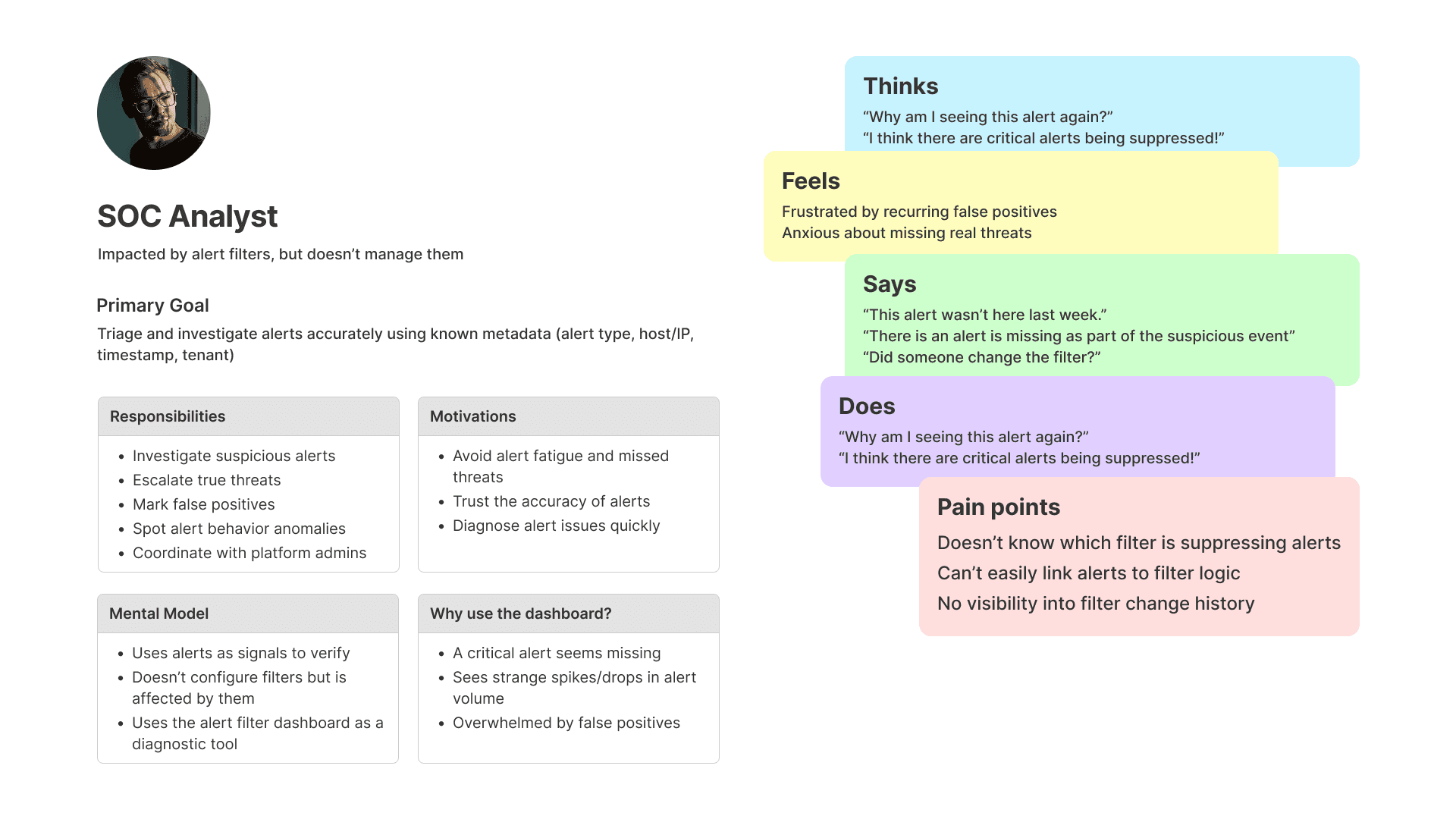
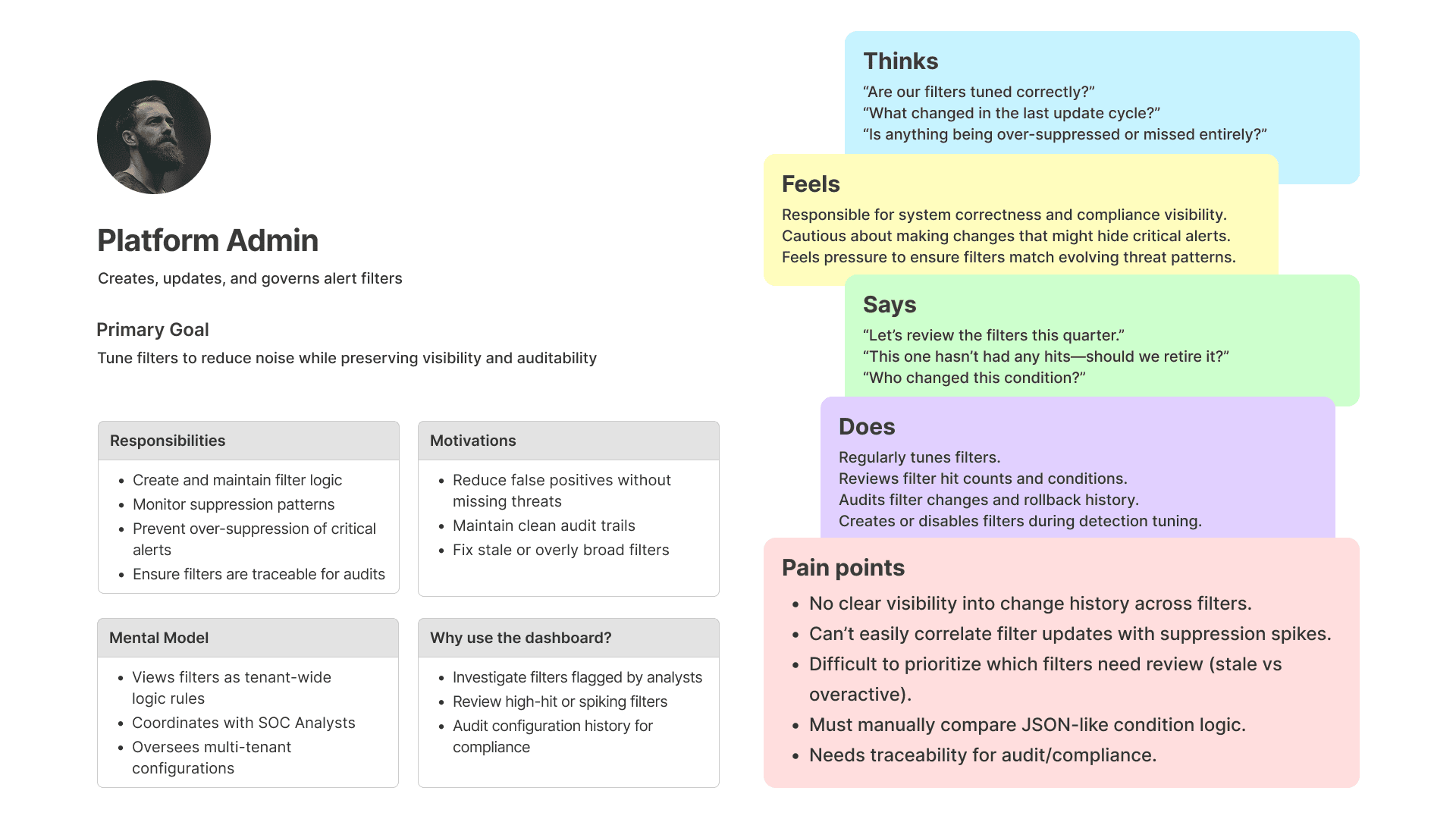
There are 2 types of users would often interact with alert filters: The creator, and the security person.