Vibe Coding
Imagining a future BeyondTrust experience as an AI-native layer, where users spend less time digging and more time deciding what to do next.
As AI reshapes SaaS, cybersecurity tools have to shift with it. AI now handles correlation, pattern detection, and triage faster and at scale. That changes the human role.
Less digging. More judgment, prioritization, and control.
The problem is most tools still act like dashboards. Dense, visual, always showing everything. It looks powerful, but it pulls you into noise. You end up scanning, clicking, opening tabs, trying to piece together what actually matters.
That is not the job anymore.
What matters now is:
Then the human steps in to validate, intervene, and move on.
I could have used CrowdStrike, but I chose BeyondTrust. This doesn’t need to be a big-name cybersecurity platform. It could just be an AI agent with the right skills and access, working alongside other agents to pull data and run analysis. Also, I know BeyondTrust because a friend works there.
This is not about CLI being new. It isn’t. It’s about what CLI forces.
It strips away noise. No navigation, no dashboards, no panels, no endless buttons and links pulling your attention in every direction.
That’s it.
The idea comes from Claude Code, compared to typical IDE tools, it keeps you focused on prompt and output. If people were actually using something like that for security work, they’d likely be in a CLI anyway, and suddenly all the “well-designed” cybersecurity dashboards start to feel unnecessary.
I didn’t want this to stay theoretical. I wanted to build something.
I used AI to help code it, which is way outside my comfort zone. Unlike React, Shopify Liquid, or basic HTML/CSS/JS, I had no idea how CLI projects are structured. The dev files made no sense to me.
There are also real limitations. Even simple tables are tricky. Light data visualization is even harder. So I used Textual. It can turn a CLI into something closer to an indie game interface, which is powerful, but I intentionally worked against that. I tried to keep visualization minimal.
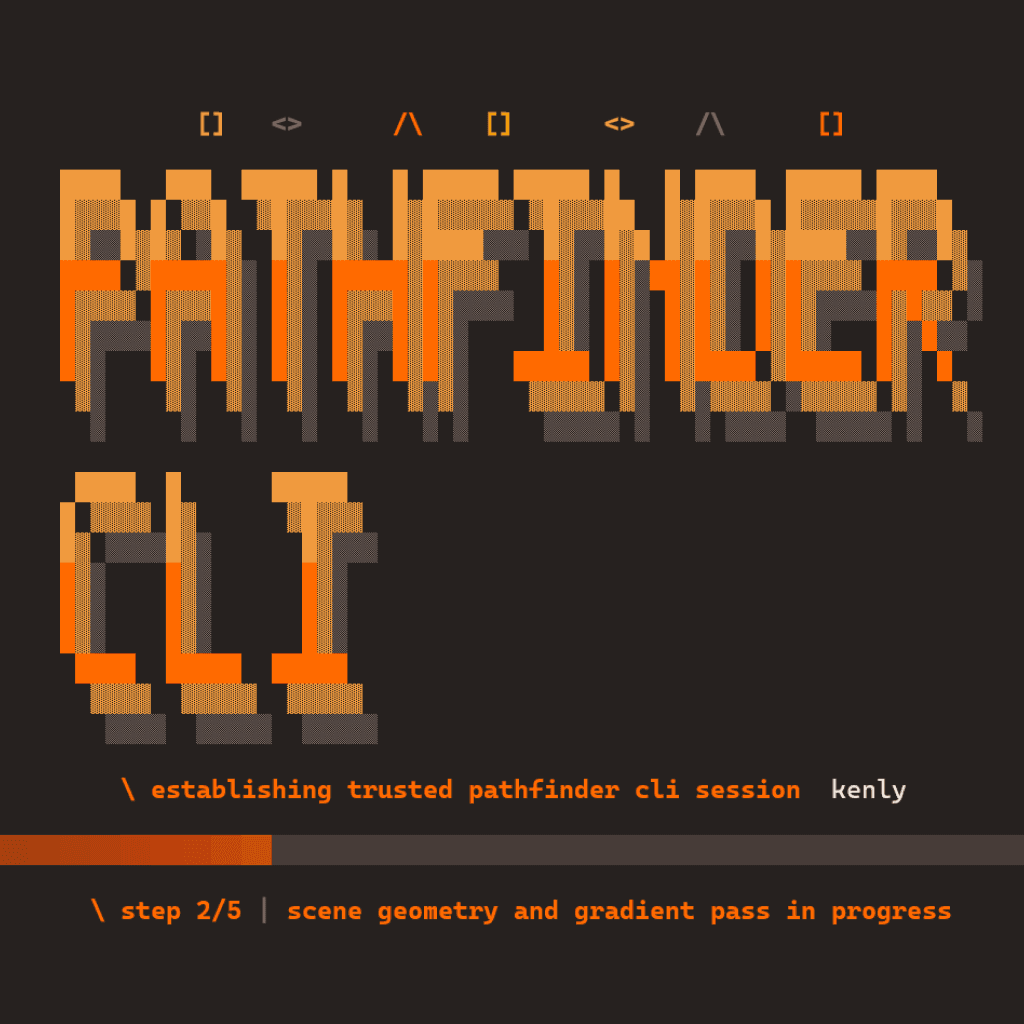
pathfinder --loginCheck it out
Instead of dumping everything on screen, the interface only provide a simple overview, and worth-noted actions, and starting workflow with natural language.
The user can move through focused views for identity risk, access relationships, and other key signals without needing to dig through a heavy dashboard structure.
It was a small, fun project, just a few hours.
I genuinely don’t think people want complex tools, or even “nice-looking” ones. There’s too much going on already. A simple output is enough to decide what to do next.
